Eight views of one semester.
Same data, different questions. What is on fire right now? What does this week look like? What did I read? Each tab answers one.
Now
Four numbers (due in 7 days, open items, exams ahead, next exam), this week's focus, alerts sorted by how much they can hurt you, and the next seven days grouped by day.
This Week
The semester down the side, one week in the middle. A one-breath focus, then a card per course with Read, Focus on, and Due. Every reading links to its notes and quiz.
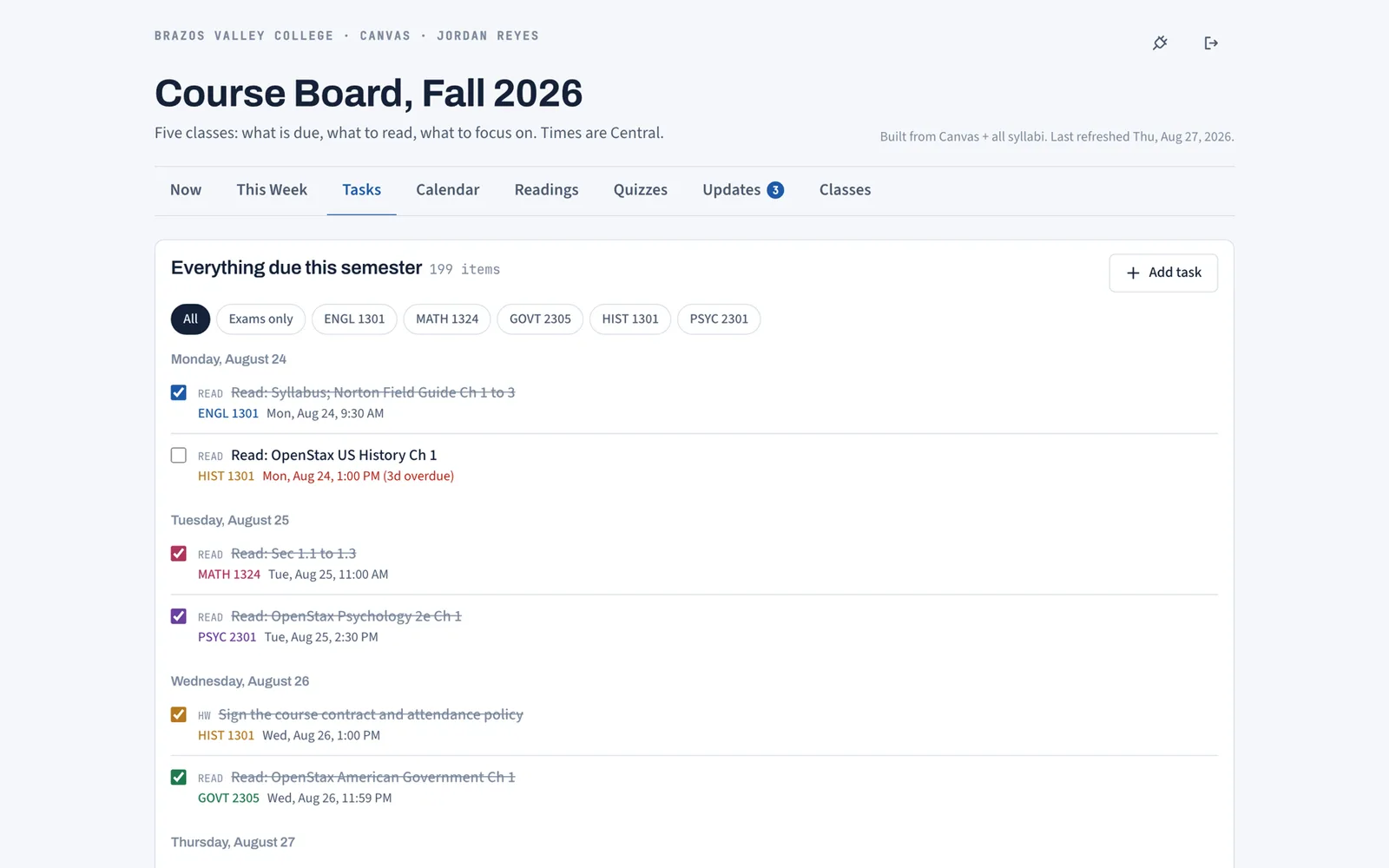
Tasks
Everything due this semester in one list, grouped by day, filterable by course or exams only. Check items off; graded items start checked.
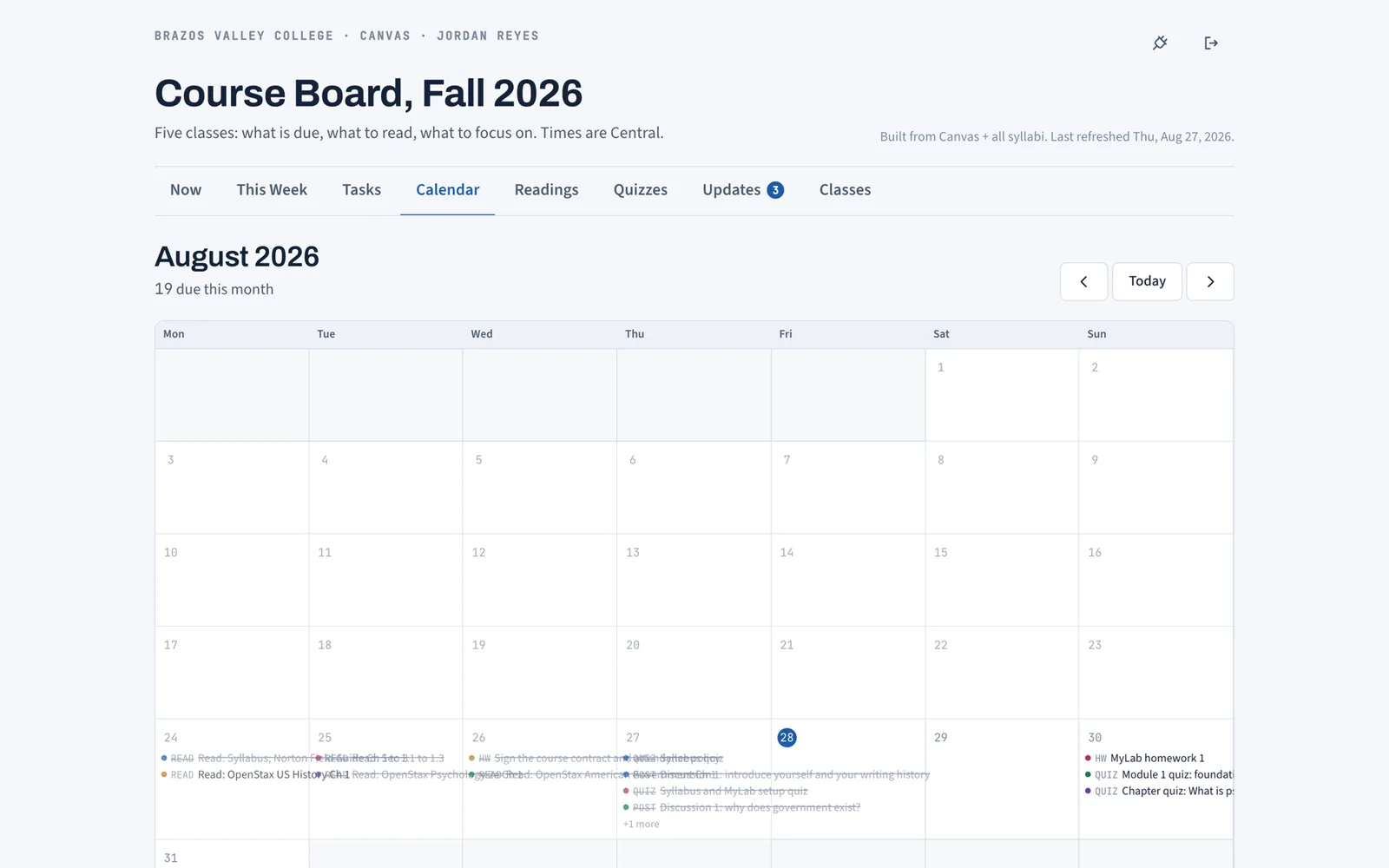
Calendar
A month grid with every item on its day, exams in red, done items struck through. Flip months to see what is coming.
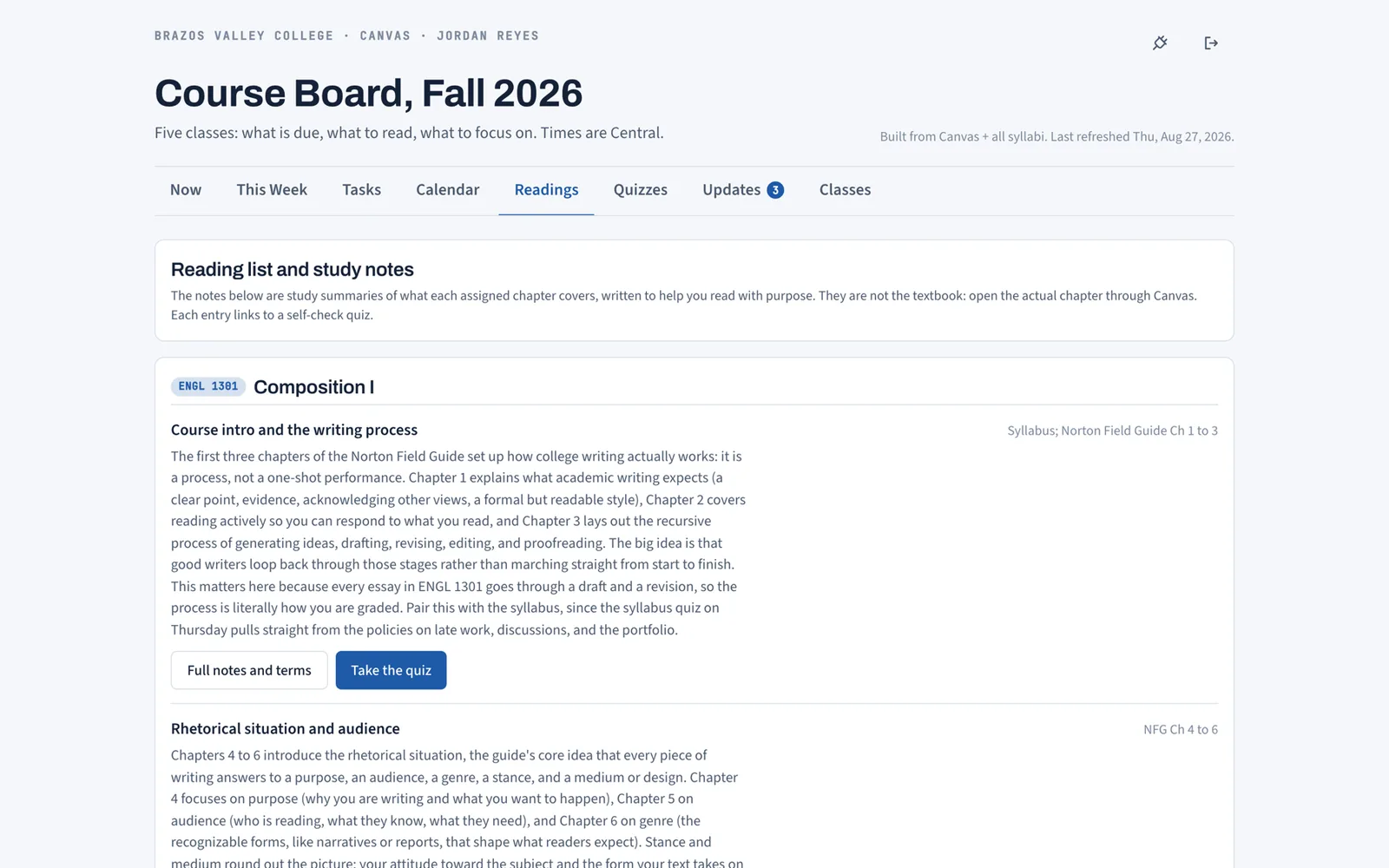
Readings
Every assigned chapter, per course, with a summary of what it covers and why. Full notes and terms one click away, quiz one more.
Quizzes
Prebuilt 8 question self-checks for every reading, instant grading with explanations, best score on the card. No setup, no generating.
Updates
Instructor announcements from every course in one feed, unread count on the tab, filter by class, mark read.
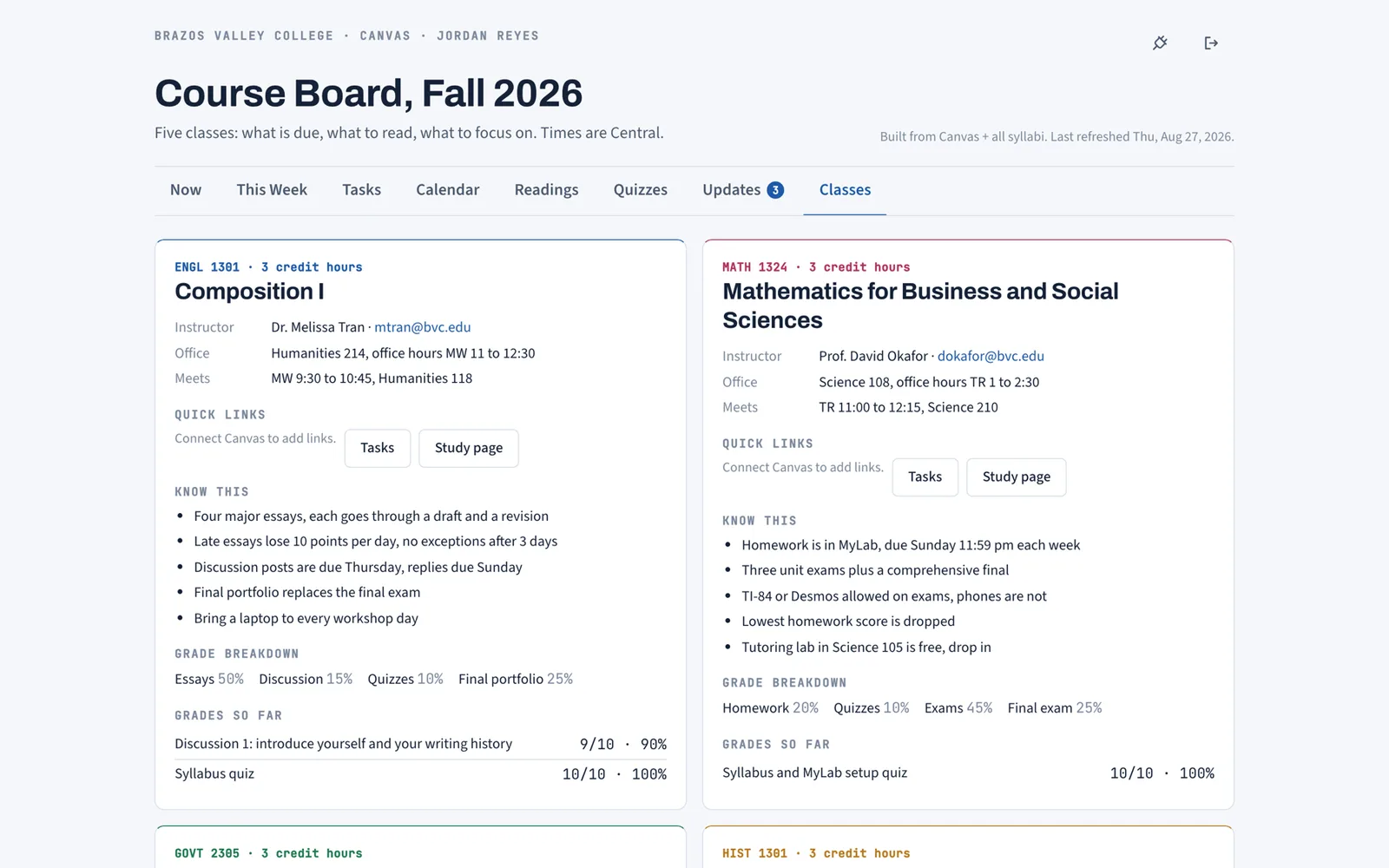
Classes
Instructor, office, meeting times, quick links, the rules from the syllabus, grade weights, and grades so far, one card per course.
Four of the eight, from the demo semester
Real screenshots of the demo account (a fictional five-course fall term). The Now and This Week tabs are shown on the home page and in how it works. Quizzes are covered on study tools.
If you keep a tracker somewhere else today
Most students run a spreadsheet, a Notion page, or the Canvas to-do list. The Tasks tab is a college assignment tracker that fills itself from Canvas, and the Calendar tab is the Canvas calendar plus the exam dates Canvas does not have.
Free while we are in early access. Works with any school on Canvas.
Get started