Guides for planning a semester on Canvas.
Written from the product and from real syllabi. No filler, no invented numbers. Each guide ends with how the board handles it.
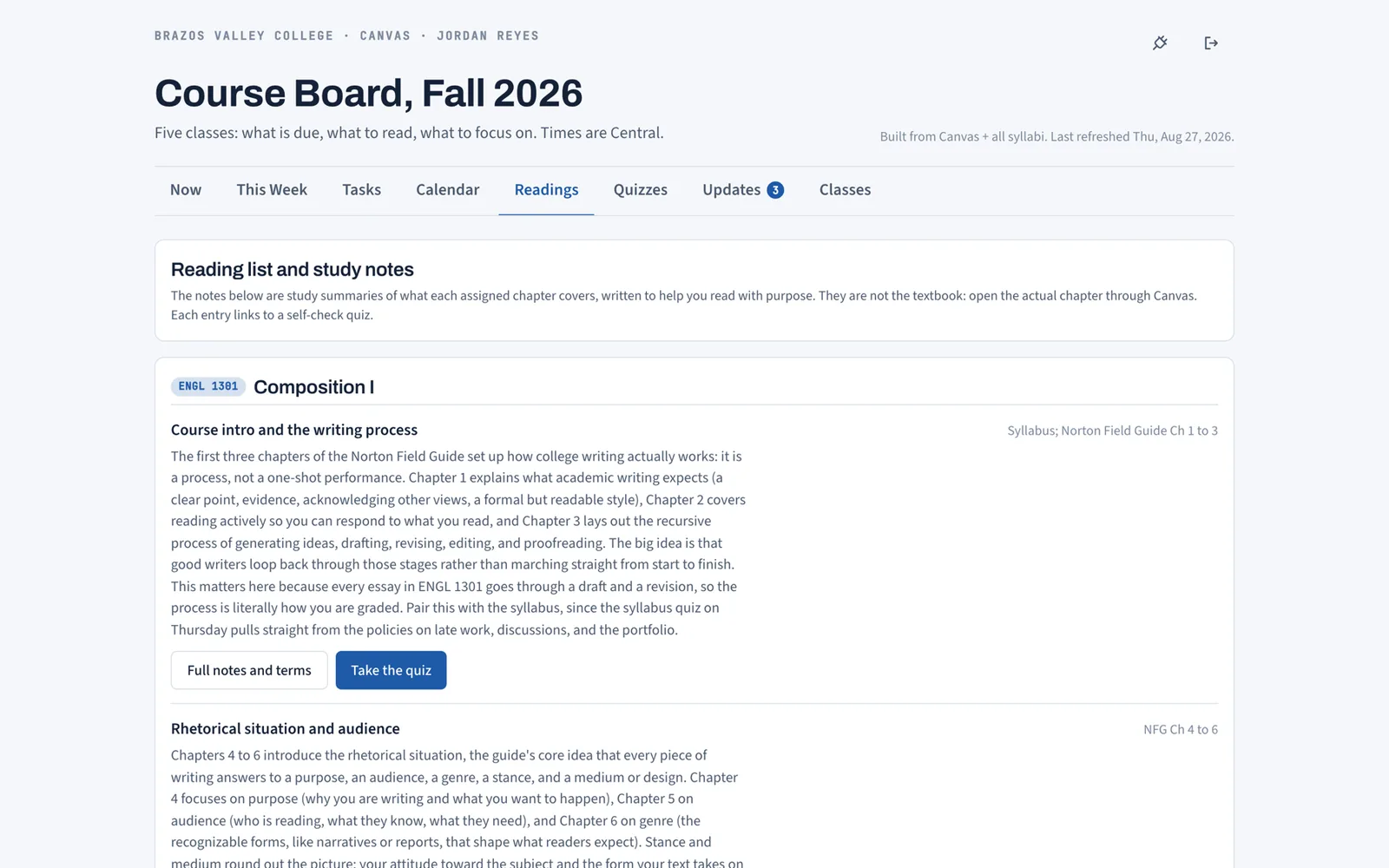
Syllabus to Calendar: One Semester Plan From Every PDF
How to get every exam, reading, and rule out of your syllabus PDFs onto one semester calendar: by hand in about an hour, or automatically.
Hunter Forbes
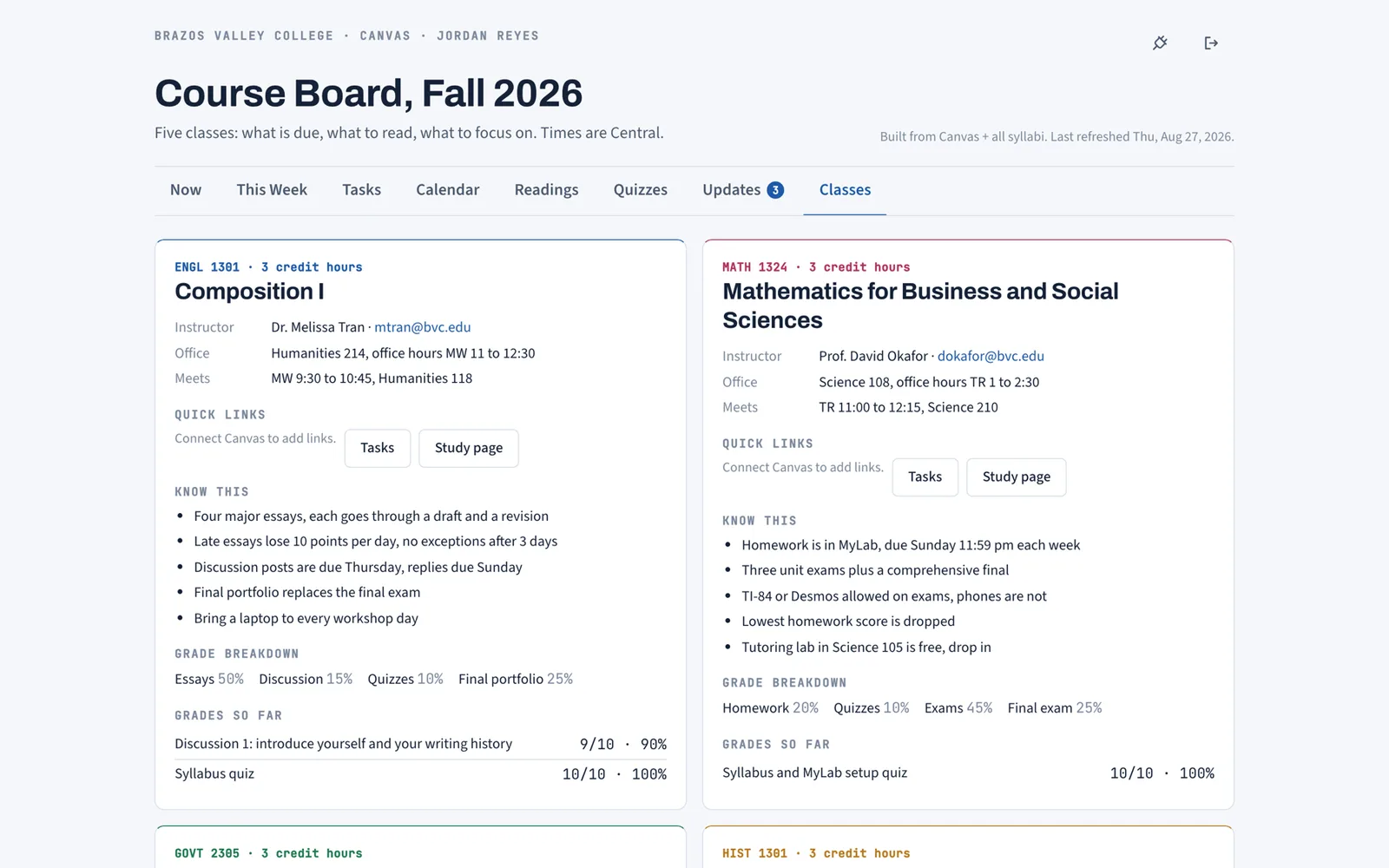
Blinn eCampus vs Canvas: What Blinn Students Need to Know
Blinn College uses eCampus (D2L Brightspace), not Canvas. How the two differ, what it means if you also take A&M classes, and how to keep one planner.
Hunter Forbes
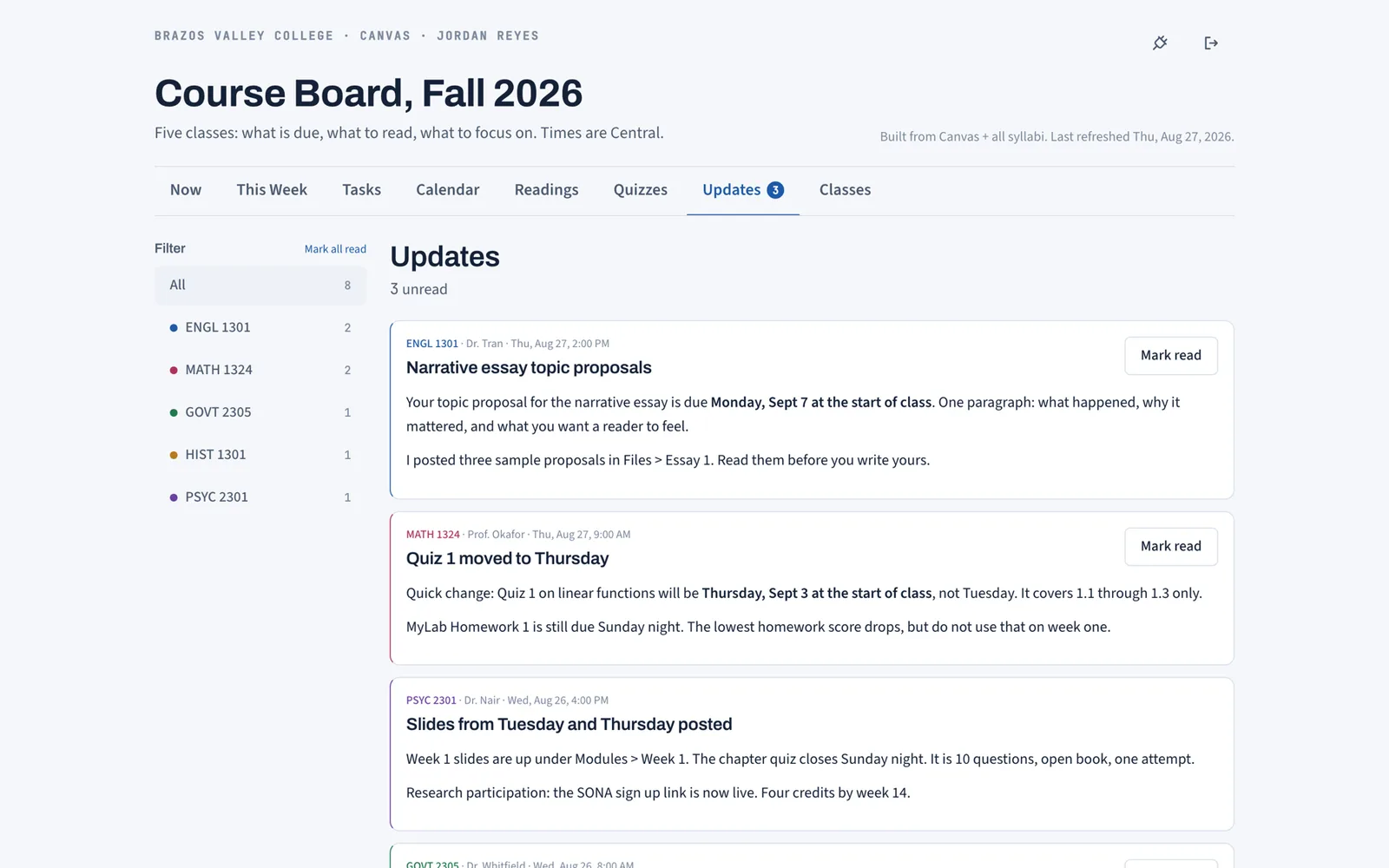
TAMU Canvas: Login, Layout, and Planning the Semester
Texas A&M Canvas is at canvas.tamu.edu with your NetID. Where assignments, grades, and announcements live, and how to get every course on one plan.
Hunter Forbes
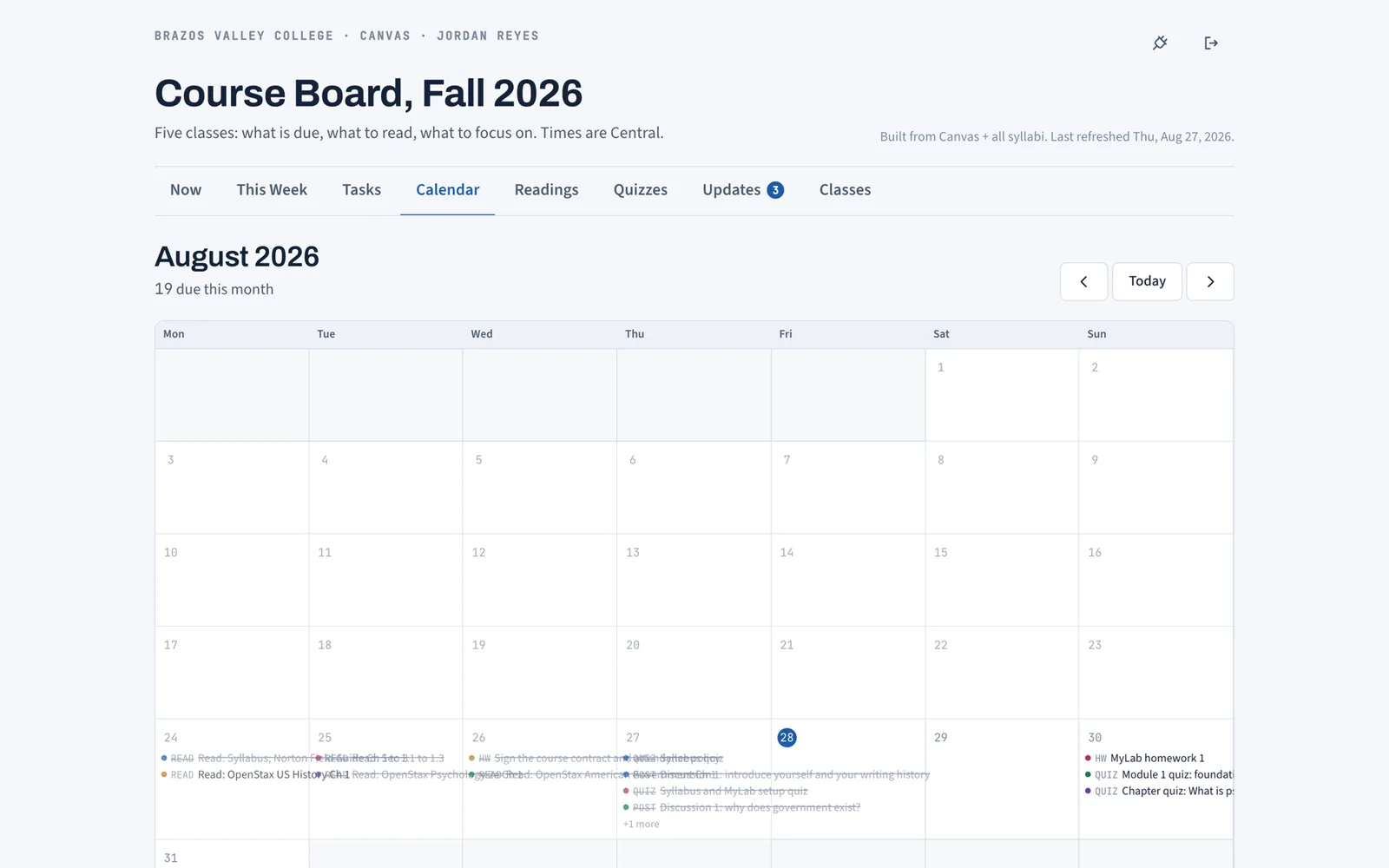
Canvas Calendar Guide: What It Misses and Google Sync
How the Canvas calendar works, how to subscribe to it from Google Calendar or Apple Calendar, and the one category of dates it will never show you.
Hunter Forbes
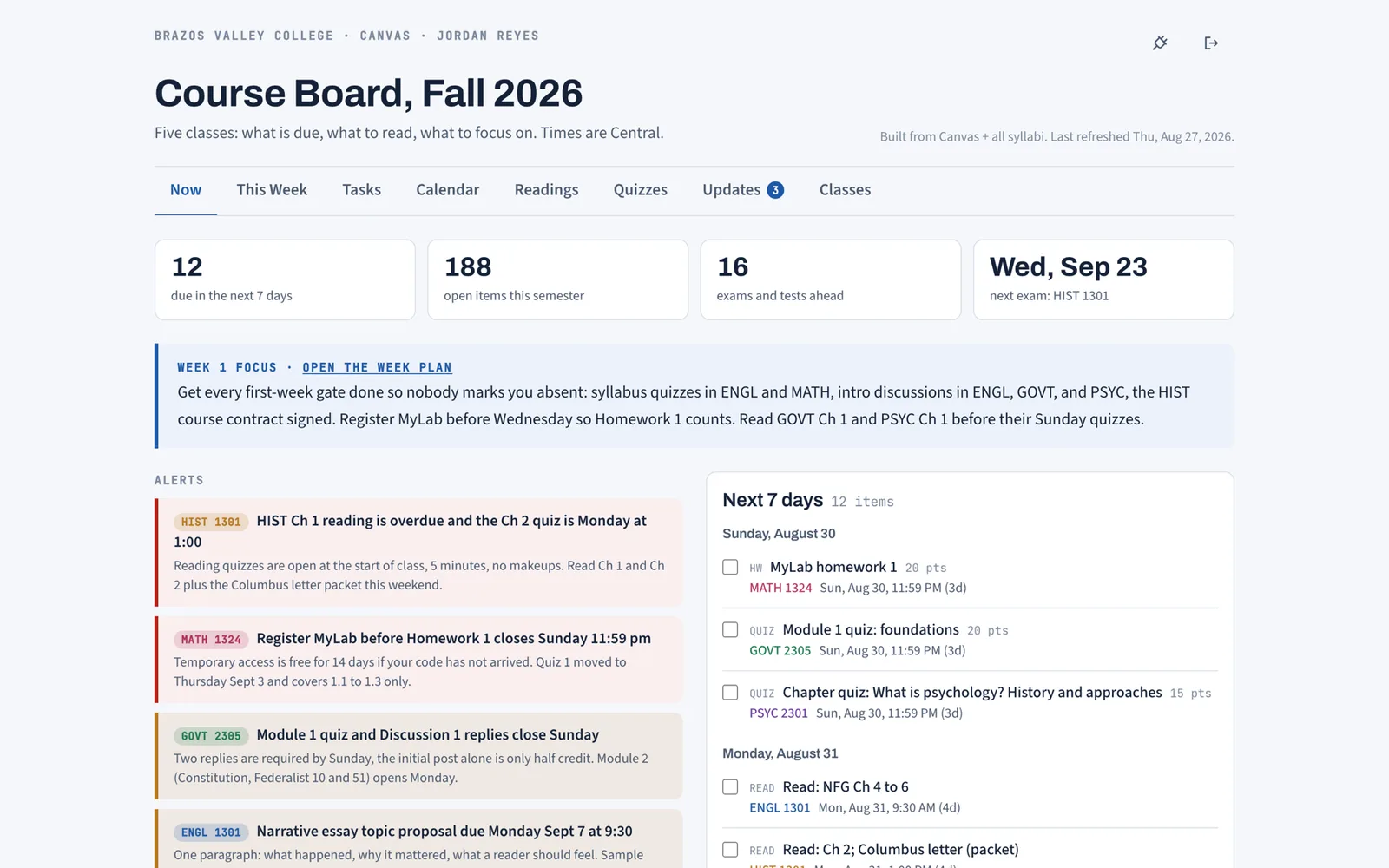
How to See All Your Canvas Assignments in One Place
Four ways to see every Canvas assignment on one screen: the built-in list and calendar, the calendar feed, and a synced board that adds the syllabus.
Hunter Forbes
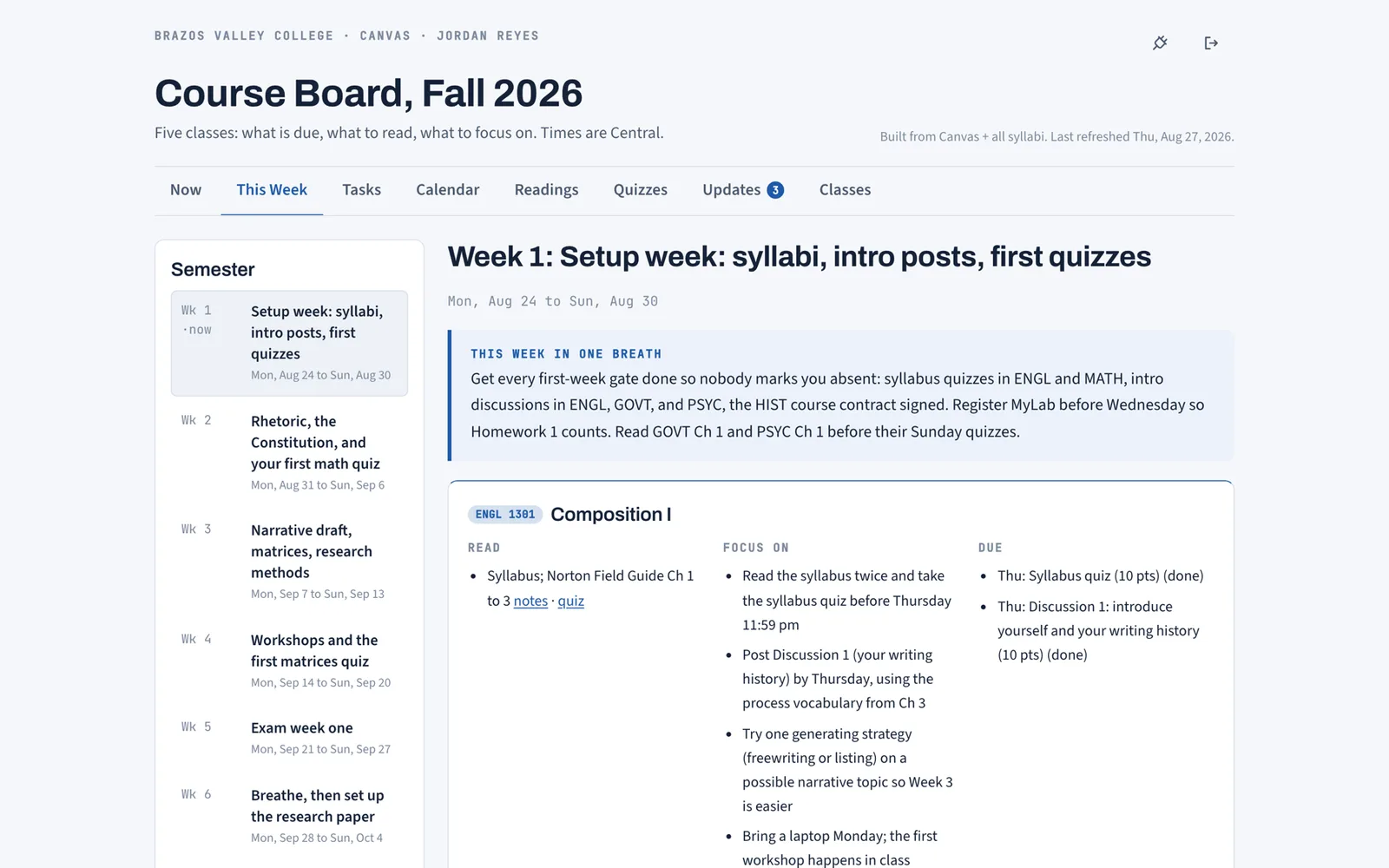
How to Make a Study Schedule From Your Syllabus
A study schedule that lasts past week two starts from the syllabus, not a blank calendar. How to build one for a full course load, week by week.
Hunter Forbes
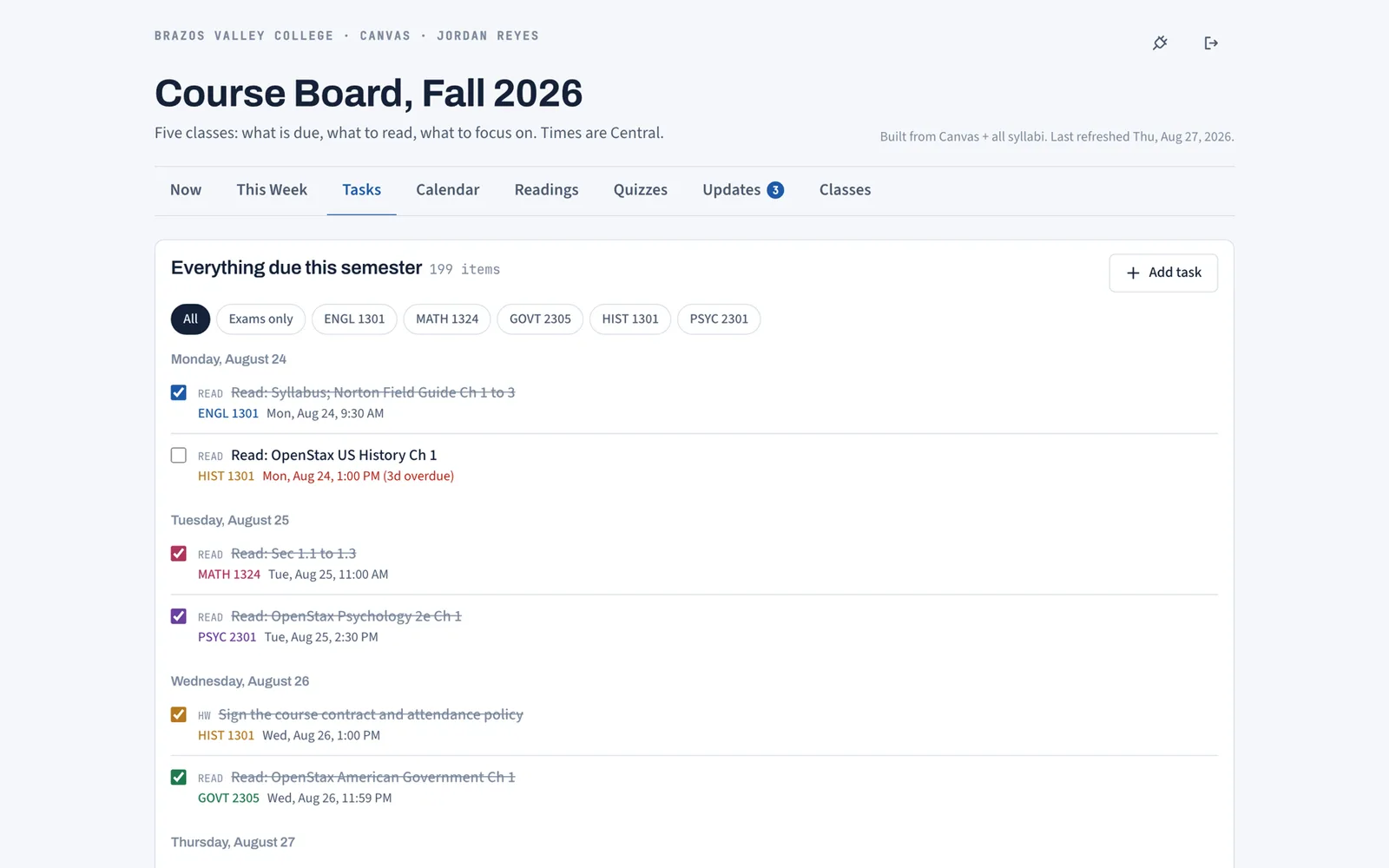
Assignment Tracker for College: Sheets, Notion, or Synced
What a college assignment tracker must do, why Sheets and Notion templates fall behind by week four, and how a Canvas-synced tracker stays current.
Hunter Forbes
New here? Start with how Coursemap works or look at the eight board views.
Free while we are in early access. Works with any school on Canvas.
Get started